




Tools
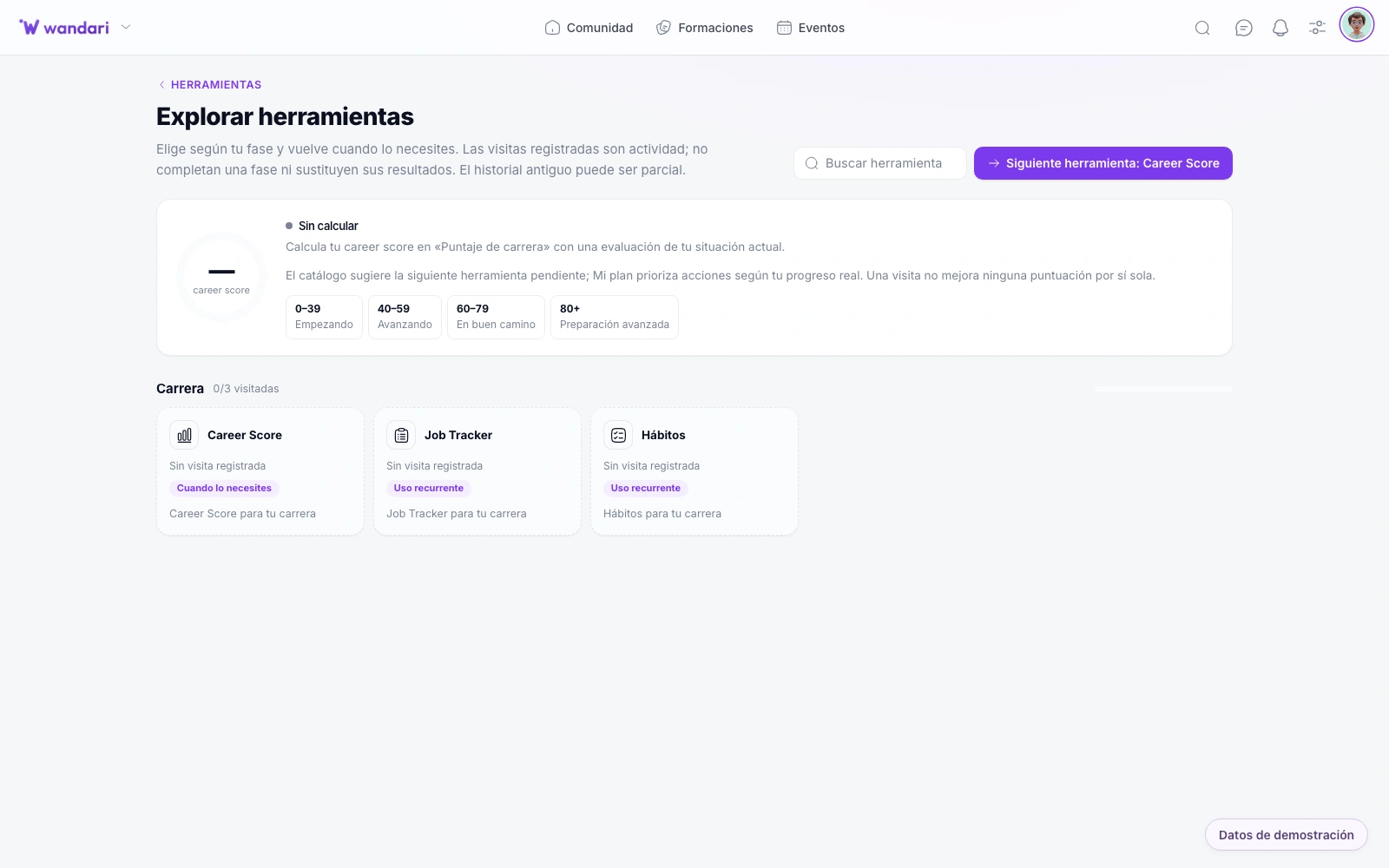
Beyond courses and CRM: a catalog of mini-apps in /tools that you install by school. Students create content, record practices and organize their day; admins see progress and activate only what fits your method.
See the catalogueYouTube Studio, mental maps and more on /tools
Your student edits thumbnails in YouTube Studio, the mentor uses mind maps to explain architecture and you review student reports — all from the /tools catalog with the same login. No ten loose SaaS tabs.
How it works in practice
Browse the catalog
Enable tools that fit your methodology from /tools.
Assign by role
Some apps admin-only, others open to authorized students.
Integrate into the flow
Link from lessons, community or emails to the specific tool.
Expand without migrating
New utilities join the catalog — the academy grows in one environment.
What includes the ecosystem
Modular utilities catalog — YouTube Studio, Recorder, Paste, Wealth, reports and more in a single menu.
Creating content and video
YouTube Studio (/youtube-studio) — mind maps, camera and a script for recording tutorials. A mind map editor (/mindmap). An interview and meeting recorder (/record). An AI-powered Instagram story creator.
Personal Productivity
Habits (/habits), tasks (/tasks), notes and check-ins linked to the program. Paste (/paste) lets you share code, logs or text with a link. Wealth (/wealth) manages assets, expenses and investments.
admin and reports
Student report (/student-report) — completion, rankings and progress by cohort or student. Cohort onboarding, activity analytics and an AI Center with real data from your academy.
Personal brand and networks (alumns)
Network publisher (/social-content) for students to program on LinkedIn, Instagram, X and YouTube. LinkedIn and GitHub optimizers, public portfolio and more — according to the roles you set up.
Activate what you sell.
Posts in installed-apps.yaml
Install and assign by role
Each tool is burned or turned off by the academy. Limit to admin, student or team — without paying Notion, Loom, Buffer and Typeform separately.
where it accelerates
AI center for admins; floating assistant for students; blog copy generation, emails, maps and talk proposals.
A dozen apps available
From mock interviews and live coding to conference manager, job tracker, fitness tracker and trading tracker — the catalogue grows; you choose what your program offers.
Less context switching
Pro utilities without leaving the platform or paying ten subscriptions.
Modular by design
Enable only what you use — from screen recorder to GitHub optimizer.
Same login and permissions
Access aligned with student, mentor or admin roles.
See it in Wandari
Frequently asked questions about herramientas
Last updated: November 2026
Ready to get started?
Build your online academy with courses, community, payments and CRM in one place.
Try now