




Media library
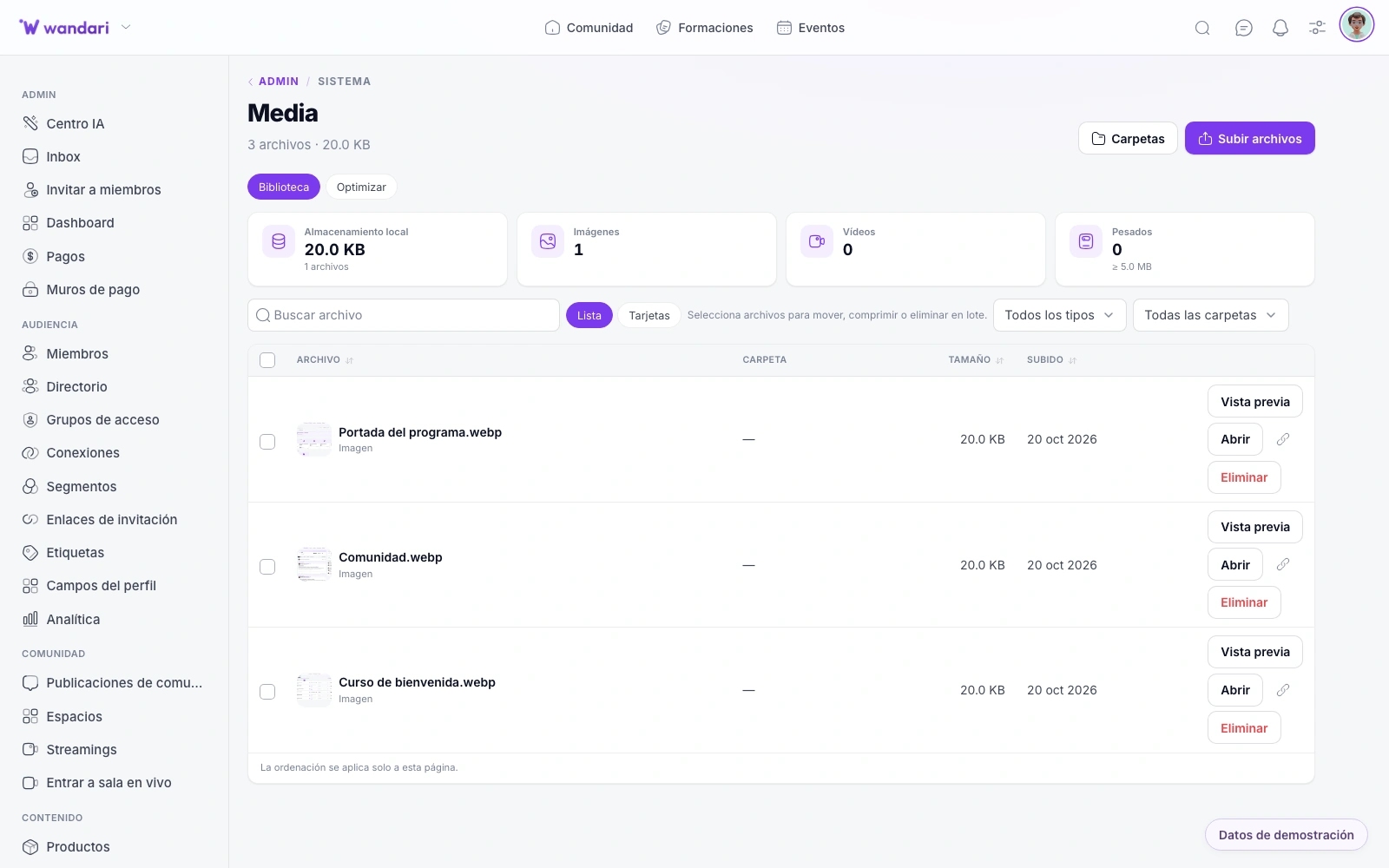
Once you go, tag by campaign or course and choose from the page editor and emails. No folders on Drive or links that expire.
Try WandariOne library for web, email and community
You upload the promo video once to the media library and reuse it on the landing, launch email and a community post. No hunting for “final_v3.mp4” on Drive or broken links when campaigns change.
How it works in practice
Upload and organize
Folders, tags and quick search for the whole team.
Insert from editors
Web, email, chat and lessons pull from the same catalog.
Optimize the delivery
Stable URLs — swap the asset without breaking published pages.
Control permissions
Admins and authorized editors manage the academy library.
What you can do
Central image and video library — reuse across web, emails, chats and lessons from the editor.
Rise and organize files
Images and videos in one place, with folders by campaign, course or type of content.
Tagged to find fast
Tags and folder structure to locate the correct asset when editing a page or email.
The massive rise
Write several files, validate formats and get ready URLs to use in any module.
Reuse on the entire platform
The same banner on landing, newsletter, blog post and chat — without copying links from Drive.
Assets under control
A repository for all your marketing
Selection in the CMS
Choose images from /paginas or /cms without leaving the visual editor.
Emails and Campaigns
Insert media in templates with prior view consistent with your website.
In your instance
Files under your control — you do not depend on external accounts or links that expire.
Single source of assets
One upload, many channels — visual consistency built in.
Update without breakage
Replace a file and all references stay valid.
Less Drive chaos
Marketing and product share a library with clear permissions.
See it in Wandari
Frequently asked questions about media
Last updated: November 2026
Ready to get started?
Build your online academy with courses, community, payments and CRM in one place.
Try now