




Surveys
Create step-by-step forms to capture emails, deliver lead magnets and qualify leads before scheduling or selling — without Typeform or exporting CSVs to another CRM.
Create my surveyLead magnets that qualify, not just captcha emails
You publish a multi-step Typeform-style survey on prospect level. Based on answers, they join “beginner” or “advanced” list in /crm and get a different sequence in /automation — capture and segmentation in one form.
How it works in practice
Design the survey
Branching questions, conditional logic and on-brand design.
Embed or share
On landings, blog or social — each submit creates a contact with saved answers.
Segment on the fly
Tags and lists from answers to personalize the next offer.
Shooting automated
Post-submit workflow with email, demo invite or segmented discount.
What you can do
Multi-step forms for lead magnets and qualification — every response feeds CRM lists and workflows.
The Multi-Step Forms
Questions for screens with progress bar — such as Typeform, but integrated into your web and with your brand design.
Lead magnets and capture
Ebook, checklist or access to webinar in exchange for the email — the answer enters the CRM with source and source page.
Qualified before selling
Pre-enquête in schedules or landings to filter cold leads and show only schedules or offers to whom it fits.
Disappearance of automation
When completing the survey, you start a welcome email, workflow or access to content — without connecting Zapier.
The response to the contact
Context from the first field
Automated CRM
Each sending creates or updates the contact sheet — you see answers, history and campaigns on a single site.
Your own URL in /s/
Share /s/tu-encuesta on social media, in ads or in your bio — a short link on your domain, not on typeform.com.
Post-Response Sections
Deliver the lead magnet by email, confirm registration or launch commercial tracking instantly.
Automatic qualification
Know lead fit before the sales call.
Rich segmentation
Structured answers in CRM, not just a “message” field.
Modern experience
Multi-step with progress UI — better conversion than flat forms.
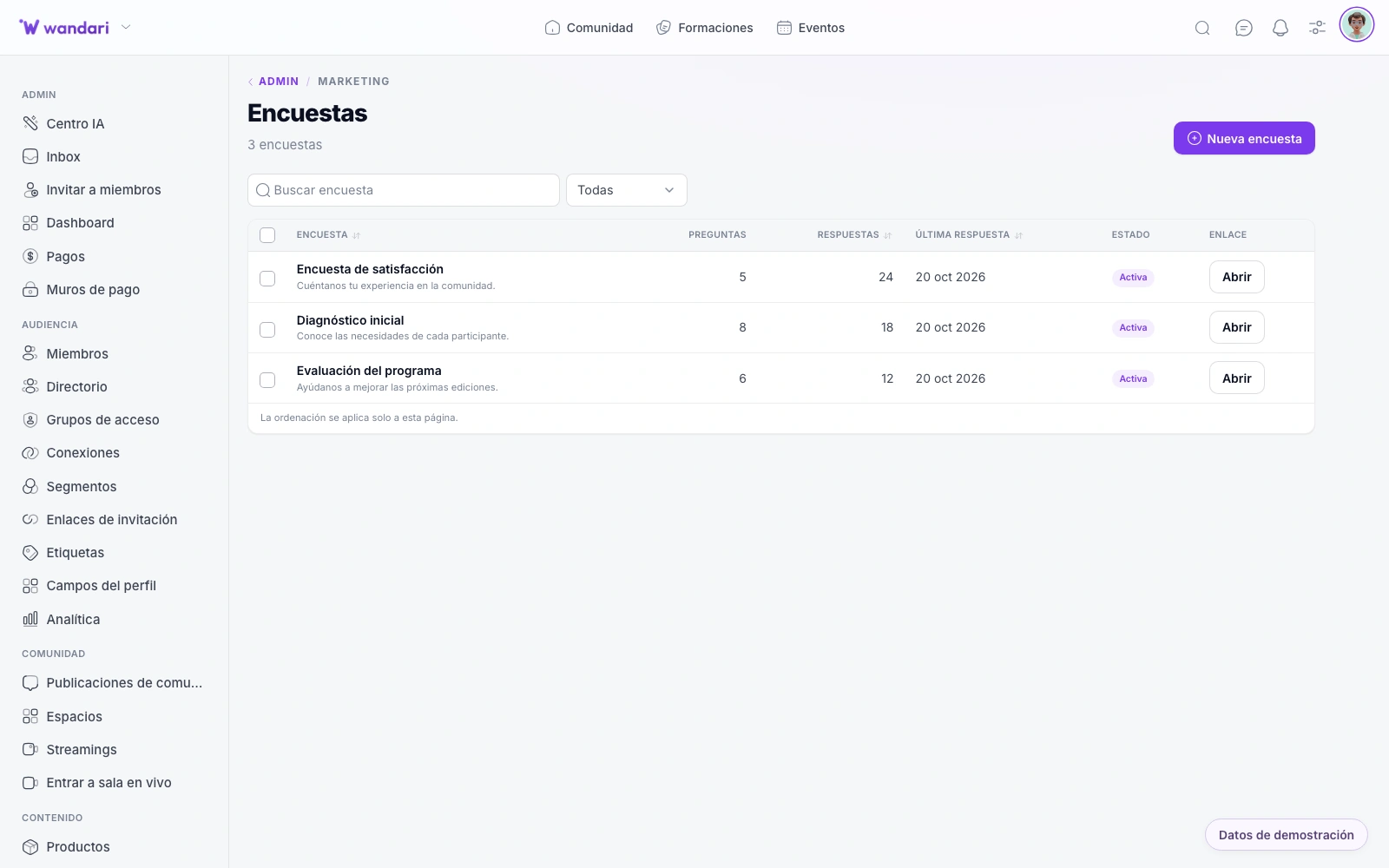
See it in Wandari
Frequently asked questions about surveys
Last updated: November 2026
Ready to get started?
Build your online academy with courses, community, payments and CRM in one place.
Try now